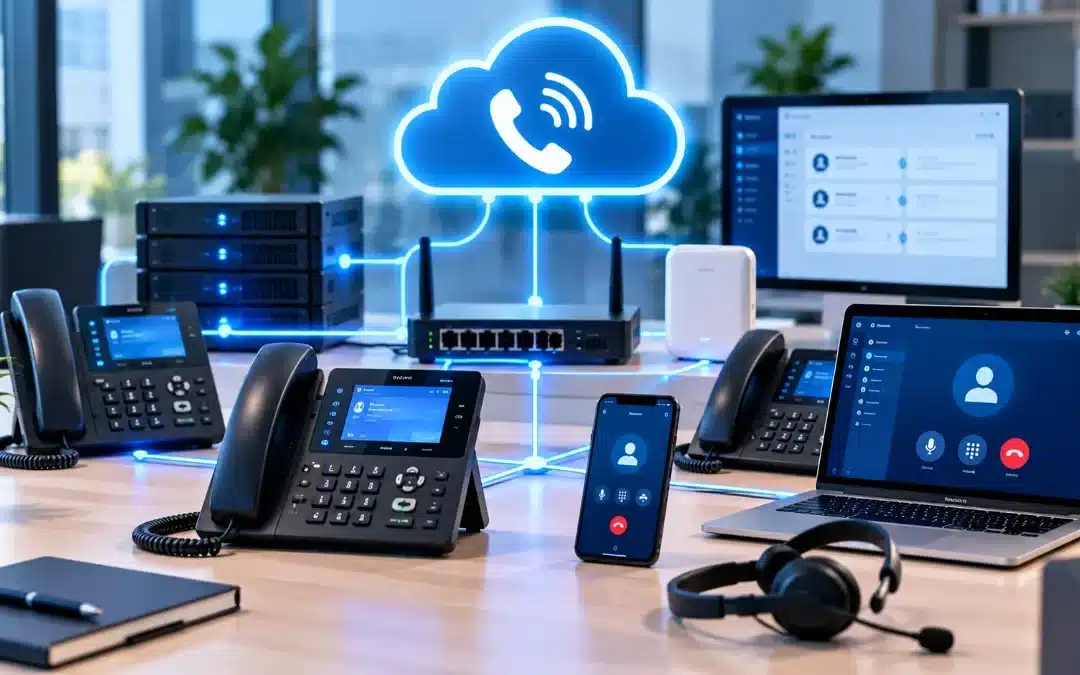
In Short
How do you set up a VoIP phone system for your business? Start by checking your internet connection, choosing compatible equipment, configuring user accounts and phone numbers, securing the network, and testing call quality. Proper planning and professional installation can help small businesses build a reliable communication system that supports daily operations and future growth.
Table of Contents
How to Set Up a VoIP Phone System
If you’re wondering how to set up a VoIP phone system, the process starts with understanding your business communication needs and preparing your network.
Voice over Internet Protocol (VoIP) allows businesses to make and receive phone calls using an IP network instead of relying exclusively on traditional telephone lines.
A typical business VoIP installation includes selecting a service provider, configuring compatible phones or applications, assigning numbers and extensions, and testing incoming and outgoing calls.
However, a successful setup requires more than connecting phones to the internet. Network performance, security, emergency calling, and ongoing maintenance all affect how reliably the system operates.
What Do You Need for a Business VoIP Setup?
Before installing a VoIP phone system, make sure your business has the necessary infrastructure.
A Reliable Internet Connection
VoIP depends on network connectivity to transmit voice traffic.
An internet connection should provide sufficient available bandwidth, low latency, minimal packet loss, and consistent performance during busy working hours.
The number of simultaneous calls matters more than the total number of employees when estimating voice traffic requirements.
Compatible VoIP Equipment
Depending on your chosen system, your business may need IP desk phones, headsets, computers, or mobile devices running a compatible softphone application.
Some offices also require Power over Ethernet (PoE) switches, routers, or network upgrades.
A VoIP Service Provider
A VoIP provider supplies the calling service and may offer features such as extensions, voicemail, call forwarding, and auto-attendants.
Available capabilities depend on the provider and selected service plan.
Network Security and Administration
Business VoIP systems need secure credentials, controlled administrative access, appropriate network protections, and regular software updates.
These safeguards help reduce unauthorized access and misuse.
Step-by-Step Guide to Setting Up a VoIP Phone System
The following steps outline a typical business VoIP installation process.
Step 1: Assess Your Business Phone Requirements
Start by identifying how employees use the phone system.
Consider:
- The number of employees and simultaneous calls
- Existing business phone numbers
- Office locations and remote workers
- Reception and call-routing requirements
- Voicemail and call-forwarding needs
- Expected business growth
This assessment helps determine which equipment and service configuration are appropriate.
Step 2: Evaluate Your Internet and Network Performance
Check whether your network can support voice traffic alongside normal business applications.
Review available bandwidth, latency, jitter, packet loss, and network congestion.
If necessary, configure Quality of Service (QoS) to prioritize voice traffic over less time-sensitive network activity.
QoS can improve performance on a congested local network, although it cannot eliminate problems caused by an unreliable internet connection or upstream network conditions.
Step 3: Choose Your VoIP System and Devices
Decide whether your organization needs a cloud-hosted VoIP service or an on-premises phone system.
Select compatible IP phones, softphones, and other required equipment.
Confirm device compatibility with the provider before purchasing or deploying hardware.
Step 4: Configure Phone Numbers and User Accounts
Create employee accounts, assign extensions, and configure the business phone numbers.
Set up call routing, voicemail, business hours, and other supported features.
If you are transferring existing numbers, coordinate the number-porting process with the relevant providers. Keep the existing service active until the transfer is confirmed.
Step 5: Connect and Secure the VoIP Devices
Connect compatible IP phones to the office network or install the approved softphone applications.
Configure device provisioning and authentication according to the service provider’s instructions.
Use strong administrative credentials, keep firmware updated, and enable supported signaling and media encryption.
Restrict unnecessary access to phone system administration.
Step 6: Configure Emergency Calling and Business Continuity
Confirm how the VoIP service handles 911 calls and ensure that the required location information is accurate.
This is particularly important for businesses with multiple offices or employees who work remotely.
VoIP calling can be affected by internet and power outages. Consider backup power, alternate connectivity (part of a broader disaster recovery plan), and another reliable way to contact emergency services.
Step 7: Test the Phone System Before Full Deployment
Test the system under realistic working conditions.
Check:
- Incoming and outgoing calls
- Internal extensions
- Call transfers and forwarding
- Voicemail functionality
- Audio clarity and call stability
- Call routing during and outside business hours
- Emergency calling configuration using the provider’s approved verification procedure
Resolve any problems before switching the entire business to the new system.
Step 8: Train Employees and Maintain the System
Show employees how to place calls, transfer callers, access voicemail, and use the features available in their accounts.
Document the configuration and establish a process for updates, troubleshooting, and employee account changes.
Ongoing monitoring and maintenance help keep business communications reliable.
Cloud-Based vs. On-Premises VoIP Setup
Businesses can choose different VoIP architectures depending on their operational requirements.
| Feature | Cloud-Based VoIP | On-Premises VoIP |
|---|---|---|
| Phone system hosting | Hosted by a service provider | Managed on business-controlled infrastructure |
| Local equipment | Usually fewer local system components | May require PBX hardware or servers |
| Administration | Often through a web portal | Local or remote system administration |
| Maintenance | Provider manages hosted platform components | Business or IT partner manages local platform |
| Expansion | Often easier to add users through the provider | Depends on system capacity and licensing |
| Network dependency | Requires connectivity to hosted services | Internal calling capabilities depend on configuration; external connectivity is still required |
Neither approach is automatically better for every organization.
A small business with multiple locations may prefer a hosted solution, while an organization with specific infrastructure or control requirements may consider an on-premises deployment.
The appropriate choice depends on technical requirements, staffing, and business continuity needs.
Common VoIP Setup Problems and How to Avoid Them
Several issues can affect a newly installed VoIP system.
Poor Call Quality
Choppy audio, delays, and dropped calls may result from network congestion, packet loss, or unstable connectivity.
Test network performance and review QoS settings before deploying additional phones.
Incompatible Equipment
Not every IP phone works with every VoIP platform.
Confirm compatibility and supported provisioning methods before installation.
Incorrect Call Routing
Misconfigured extensions, business hours, or forwarding rules can cause missed calls.
Test common calling scenarios before employees begin using the system.
Weak Security Settings
Default passwords, outdated firmware, and exposed administrative interfaces increase security risks.
Apply secure configuration practices and review administrative access regularly.
Inadequate Outage Planning
An internet or power outage may interrupt VoIP service.
Document backup communication procedures and verify that employees understand how to reach emergency services when the primary phone system is unavailable.
When Should You Get Professional VoIP Installation Support?
Professional installation can be useful when a business has multiple departments, several office locations, existing phone numbers to transfer, or complex call-routing requirements.
IT support is especially valuable when:
- The network has not been evaluated for voice traffic.
- Employees report frequent connectivity problems.
- The business needs multiple extensions and call queues.
- Existing phones or network equipment must be assessed for compatibility.
- The organization needs a coordinated transition with minimal disruption.
- There is no internal team responsible for phone system maintenance.
Computer Services New Jersey (CSNJ) provides VoIP installation and support services for businesses in New Jersey.
Its VoIP service information describes business phone system installation, support, and available communication features.
Businesses can explore VoIP installation and support to learn more about the company’s offering.
Set Up Your Business VoIP System With Computer Services New Jersey
A properly configured VoIP phone system can make business communication easier to manage while supporting employees across offices and remote locations.
However, reliable calling depends on the right combination of connectivity, equipment, configuration, and ongoing technical support.
Computer Services New Jersey helps organizations address business phone system installation and IT infrastructure requirements.
Contact Computer Services New Jersey to discuss your business phone system needs and available installation options.
Frequently Asked Questions
Can I set up a VoIP phone system myself?
A small business may be able to configure a basic hosted VoIP system using provider instructions. However, more complex installations involving multiple locations, number transfers, network changes, or advanced call routing may benefit from professional support.
Do VoIP phones need a special router?
Not necessarily. Many VoIP systems work with properly configured business routers. The router should support reliable connectivity and appropriate network management features. Some deployments may also benefit from QoS and network segmentation.
Can I keep my existing business phone number when switching to VoIP?
Often, yes. Number portability depends on the number, provider, and applicable requirements. Confirm eligibility and coordinate the transfer before canceling your existing phone service.
Do VoIP phones work without internet?
Cloud-hosted VoIP desk phones generally need connectivity to the provider’s service. Some on-premises systems may support limited internal calling during an external internet outage, depending on their configuration. Backup calling options vary by provider.
How long does it take to set up a business VoIP phone system?
The timeline depends on the number of users, network readiness, equipment availability, configuration complexity, and any number-porting requirements. A basic deployment may be simpler than a multi-location installation, but businesses should confirm the schedule with their provider.
References
Author
-
At Computer Services New Jersey, led by George Ancuta, we believe that small and midsize businesses deserve the same level of security, reliability, and strategic foresight as global financial institutions. Our firm provides more than just support; we offer a quarter-century of technical perspective forged in the world’s most demanding financial and corporate environments.