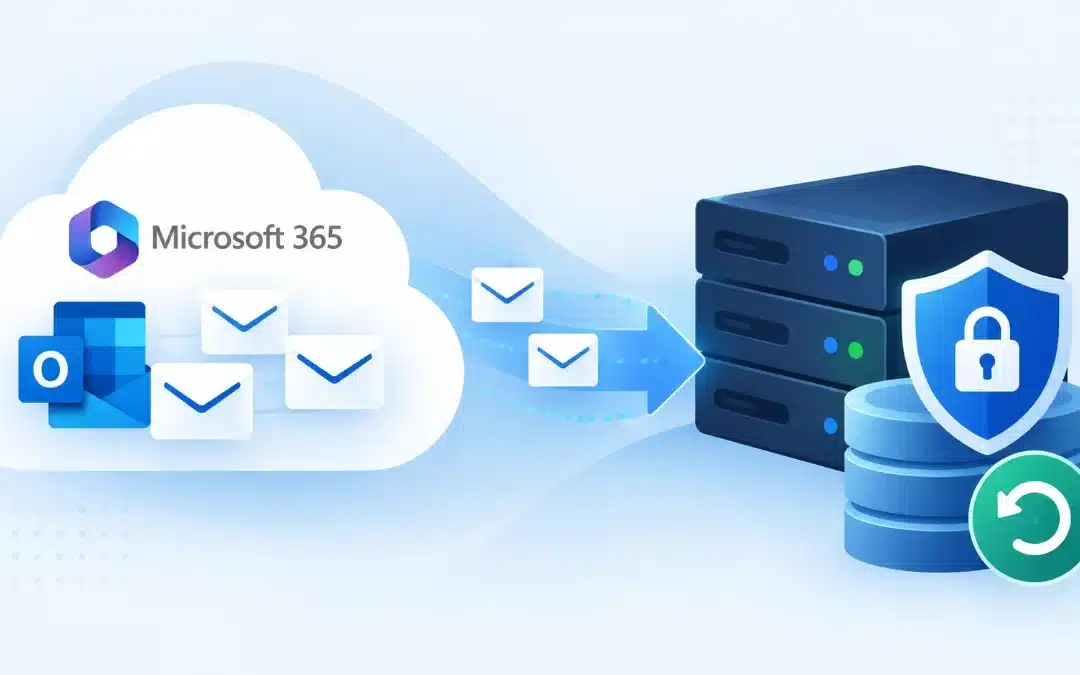
In Short
- How to backup Microsoft 365 emails depends on the level of protection and recovery your business needs.
- Exchange Online includes built-in recovery and retention capabilities, but these features have specific retention periods and purposes.
- Microsoft also offers Microsoft 365 Backup, which can protect Exchange Online mailbox content and restore data from previous points in time.
- Businesses should define what email data must be protected, how long it must remain recoverable, and how quickly it needs to be restored.
- A managed backup strategy can help ensure that email protection is configured, monitored, and tested instead of being assumed to work when an incident occurs.
Table of Contents
- Does Microsoft 365 Back Up Your Emails?
- How to Backup Microsoft 365 Emails
- Microsoft 365 Backup vs. Retention
- What Should a Business Email Backup Protect?
- Why Businesses Need a Defined Microsoft 365 Backup Strategy
- How Often Should Microsoft 365 Email Backups Be Checked?
- Protecting Microsoft 365 Email for Your Business
- Frequently Asked Questions (FAQ)
Does Microsoft 365 Back Up Your Emails?
Microsoft 365 provides several ways to protect and recover Exchange Online email, but it is important to understand the difference between retention, recovery, and backup.
For example, when an Exchange Online user permanently deletes an item, Microsoft moves it to the Recoverable Items area. The default deleted-item retention period is 14 days, although an Exchange administrator can increase it to a maximum of 30 days.
Microsoft also provides retention policies and labels through Microsoft Purview. These tools are designed to help organizations retain or delete information according to data lifecycle and compliance requirements.
In addition, businesses can use Microsoft 365 Backup to protect Exchange Online data and restore mailbox content from earlier restore points. Microsoft states that Exchange Online backup supports mailbox content including emails, notes, contacts, calendars, and tasks.
These features serve different purposes, which is why businesses should not treat retention, deleted-item recovery, and backup as interchangeable terms.
How to Backup Microsoft 365 Emails
There is no single backup configuration that is right for every business. The appropriate method depends on your Microsoft 365 environment, recovery requirements, compliance obligations, and the amount of data your organization needs to protect.
A practical business backup process usually starts with these steps:
- Identify the mailboxes that need protection. Determine which employee, executive, departmental, and shared mailboxes contain business-critical information.
- Review your existing Microsoft 365 retention settings. Understand what Exchange Online can currently recover and how long deleted information remains available.
- Define your recovery requirements. Ask how far back your organization might need to recover an email and how quickly that recovery needs to happen.
- Configure an appropriate backup solution. Depending on your requirements, this may include Microsoft 365 Backup or another managed backup approach designed for your Microsoft 365 environment.
- Monitor and test recovery. A backup strategy is useful only if the organization can actually restore the required data when something goes wrong.
Computer Services New Jersey provides cloud-based backup services for business environments and states that its backup services are monitored regularly rather than simply configured and left unattended.
Microsoft 365 Backup vs. Retention
Backup and retention can complement one another, but they solve different business problems.
| Feature | Primary Purpose | Typical Business Use |
|---|---|---|
| Deleted-item recovery | Recover recently deleted Exchange items | Accidental deletion |
| Retention policies | Preserve or delete information according to defined rules | Compliance and data lifecycle management |
| Microsoft 365 Backup | Restore protected data from previous restore points | Operational recovery after deletion, modification, or other incidents |
| Managed backup strategy | Configure, monitor, and test data protection | Ongoing business continuity and recovery planning |
For example, Microsoft says deleted Exchange Online items are retained for 14 days by default, with administrators able to increase the period to 30 days.
By contrast, Microsoft 365 Backup provides restore points for protected Exchange Online data. Microsoft currently documents a 10-minute recovery point objective (RPO) for Exchange Online for protected data across the supported backup period.
The important question for a business is therefore not simply, “Do we have retention enabled?” It is, “Can we recover the information we need from the point in time we need it?”
What Should a Business Email Backup Protect?
Email is more than a collection of messages. For many businesses, Microsoft 365 mailboxes contain contracts, client communications, invoices, attachments, calendar information, contacts, and records of important decisions.
A Microsoft 365 email protection strategy should therefore consider:
- employee mailboxes;
- shared and departmental mailboxes;
- important attachments;
- calendars and contacts;
- data belonging to employees who leave the company;
- recovery after accidental or intentional deletion;
- recovery requirements following a cybersecurity incident.
Microsoft 365 Backup supports the restoration of Exchange mailbox content including emails, notes, contacts, calendars, and tasks.
Businesses should determine which of these data types are operationally important and establish recovery requirements before an incident happens.
Why Businesses Need a Defined Microsoft 365 Backup Strategy
One of the biggest risks in data protection is assuming that because information is stored in the cloud, every version of that information will always be recoverable.
Microsoft 365 is designed with availability and data-protection mechanisms, but businesses still need to configure their own retention and recovery strategy around their operational requirements.
Consider a few common scenarios:
| Scenario | Why Recovery Matters |
|---|---|
| Employee accidentally deletes important email | The business may need the original correspondence or attachment |
| User account is deleted | Business records associated with the mailbox may still be needed |
| Data is changed or removed | A previous healthy version may be required |
| Cybersecurity incident affects business data | The organization may need to restore information from an earlier point |
| Former employee data is needed | Important client or operational correspondence may need to be recovered |
Microsoft notes that Microsoft 365 Backup is designed to support recovery following events including accidental deletion and ransomware.
This makes email backup part of a broader business continuity and disaster recovery strategy, rather than simply an Outlook administration task.
How Often Should Microsoft 365 Email Backups Be Checked?
There is an important difference between having a backup configured and knowing that your recovery process works.
Businesses should regularly verify that the mailboxes that need protection are actually covered, backup jobs or policies are operating as expected, administrators know how to initiate a restore, and recovery procedures still match the organization’s requirements.
The exact review schedule depends on the business. An organization with frequently changing data, regulatory obligations, or strict recovery objectives may require more frequent monitoring than a very small company with limited email activity.
Computer Services New Jersey includes backup and disaster recovery within its broader managed IT services and describes ongoing monitoring, maintenance, and backup management as part of its approach to protecting business IT environments.
Protecting Microsoft 365 Email for Your Business
The right Microsoft 365 email backup strategy starts with a simple question: What would happen if your business needed an important email tomorrow and it was no longer recoverable through your current setup?
For New Jersey businesses, the answer should be documented before an incident occurs.
Computer Services New Jersey supports Microsoft 365 environments as part of its IT support services in New Jersey and provides backup and disaster recovery solutions for business data.
A professional review can help identify what is currently protected, where recovery gaps exist, and whether your backup and retention configuration matches the way your company actually uses Microsoft 365.
Frequently Asked Questions (FAQ)
Does Microsoft 365 automatically backup emails?
Microsoft 365 includes several data-protection and recovery mechanisms, and Microsoft also offers Microsoft 365 Backup for Exchange Online, OneDrive, and SharePoint. However, businesses still need to configure the appropriate protection and retention strategy for their requirements.
How long can deleted Microsoft 365 emails be recovered?
For Exchange Online, permanently deleted items are retained in the Recoverable Items area for 14 days by default. Administrators can increase the deleted-item retention period to a maximum of 30 days. Other retention or hold configurations can affect how long information is preserved.
Is Microsoft 365 retention the same as backup?
No. Retention policies are primarily used to preserve or delete information according to data lifecycle and compliance requirements. Backup is designed around restoring protected data following an event such as accidental deletion, modification, or another disruption.
Can Microsoft 365 Backup restore Exchange Online emails?
Yes. Microsoft documents support for restoring Exchange mailbox content including emails, notes, contacts, calendars, and tasks from protected Exchange accounts.
Should small businesses back up Microsoft 365 email?
Businesses should evaluate backup based on the importance of their email data, required recovery period, acceptable data loss, compliance requirements, and business continuity needs. For organizations that depend heavily on email, a defined and tested recovery strategy reduces uncertainty when data needs to be restored.
Need serious people to handle your biz? Work with us!
Author
-
At Computer Services New Jersey, led by George Ancuta, we believe that small and midsize businesses deserve the same level of security, reliability, and strategic foresight as global financial institutions. Our firm provides more than just support; we offer a quarter-century of technical perspective forged in the world’s most demanding financial and corporate environments.